<?php
use Monolog\Handler\NullHandler;
use Monolog\Handler\StreamHandler;
use Monolog\Handler\SyslogUdpHandler;
return [
/*
|--------------------------------------------------------------------------
| Default Log Channel
|--------------------------------------------------------------------------
|
| This option defines the default log channel that gets used when writing
| messages to the logs. The name specified in this option should match
| one of the channels defined in the "channels" configuration array.
|
*/
'default' => env('LOG_CHANNEL', 'stack'),
/*
|--------------------------------------------------------------------------
| Deprecations Log Channel
|--------------------------------------------------------------------------
|
| This option controls the log channel that should be used to log warnings
| regarding deprecated PHP and library features. This allows you to get
| your application ready for upcoming major versions of dependencies.
|
*/
'deprecations' => [
'channel' => env('LOG_DEPRECATIONS_CHANNEL', 'null'),
'trace' => false,
],
/*
|--------------------------------------------------------------------------
| Log Channels
|--------------------------------------------------------------------------
|
| Here you may configure the log channels for your application. Out of
| the box, Laravel uses the Monolog PHP logging library. This gives
| you a variety of powerful log handlers / formatters to utilize.
|
| Available Drivers: "single", "daily", "slack", "syslog",
| "errorlog", "monolog",
| "custom", "stack"
|
*/
'channels' => [
'stack' => [
'driver' => 'stack',
'channels' => ['single'],
'ignore_exceptions' => false,
],
'single' => [
'driver' => 'single',
'path' => storage_path('logs/laravel.log'),
'level' => env('LOG_LEVEL', 'debug'),
],
'daily' => [
'driver' => 'daily',
'path' => storage_path('logs/laravel.log'),
'level' => env('LOG_LEVEL', 'debug'),
'days' => 14,
],
'slack' => [
'driver' => 'slack',
'url' => env('LOG_SLACK_WEBHOOK_URL'),
'username' => 'Laravel Log',
'emoji' => ':boom:',
'level' => env('LOG_LEVEL', 'critical'),
],
'papertrail' => [
'driver' => 'monolog',
'level' => env('LOG_LEVEL', 'debug'),
'handler' => env('LOG_PAPERTRAIL_HANDLER', SyslogUdpHandler::class),
'handler_with' => [
'host' => env('PAPERTRAIL_URL'),
'port' => env('PAPERTRAIL_PORT'),
'connectionString' => 'tls://'.env('PAPERTRAIL_URL').':'.env('PAPERTRAIL_PORT'),
],
],
'stderr' => [
'driver' => 'monolog',
'level' => env('LOG_LEVEL', 'debug'),
'handler' => StreamHandler::class,
'formatter' => env('LOG_STDERR_FORMATTER'),
'with' => [
'stream' => 'php://stderr',
],
],
'syslog' => [
'driver' => 'syslog',
'level' => env('LOG_LEVEL', 'debug'),
],
'errorlog' => [
'driver' => 'errorlog',
'level' => env('LOG_LEVEL', 'debug'),
],
'null' => [
'driver' => 'monolog',
'handler' => NullHandler::class,
],
'emergency' => [
'path' => storage_path('logs/laravel.log'),
],
],
];
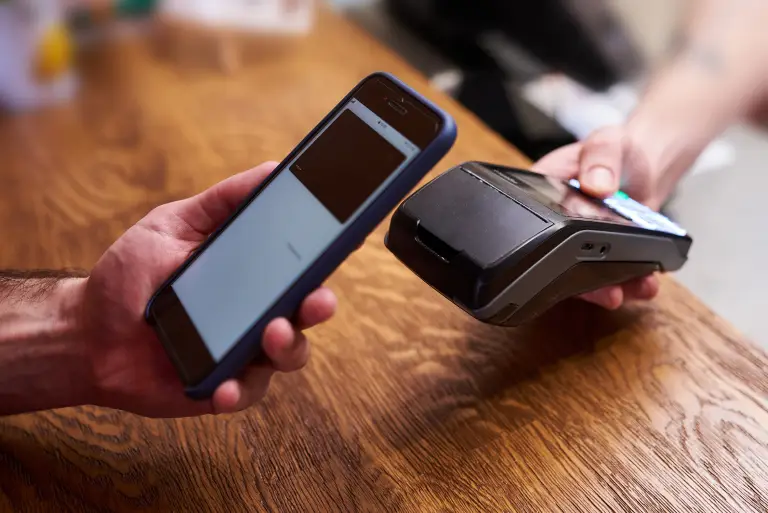
How To Payment
Making a payment on our website is quick and secure. Start by logging in or creating an account. Select your preferred payment method, input the required details, and review the information. Once you confirm everything is correct, click on the "Submit Payment" button. You’ll receive instant confirmation and can track your payment status through your account dashboard. It’s an easy and secure process.