<?php

return [

    /*
    |--------------------------------------------------------------------------
    | Logging Configuration
    |--------------------------------------------------------------------------
    |
    | Here you may configure the log settings for when a location is not found
    | for the IP provided.
    |
    */

    'log_failures' => true,

    /*
    |--------------------------------------------------------------------------
    | Include Currency in Results
    |--------------------------------------------------------------------------
    |
    | When enabled the system will do it's best in deciding the user's currency
    | by matching their ISO code to a preset list of currencies.
    |
    */

    'include_currency' => true,

    /*
    |--------------------------------------------------------------------------
    | Default Service
    |--------------------------------------------------------------------------
    |
    | Here you may specify the default storage driver that should be used
    | by the framework.
    |
    | Supported: "maxmind_database", "maxmind_api", "ipapi"
    |
    */

    'service' => 'ipapi',

    /*
    |--------------------------------------------------------------------------
    | Storage Specific Configuration
    |--------------------------------------------------------------------------
    |
    | Here you may configure as many storage drivers as you wish.
    |
    */

    'services' => [

        'maxmind_database' => [
            'class' => \Torann\GeoIP\Services\MaxMindDatabase::class,
            'database_path' => storage_path('app/geoip.mmdb'),
            'update_url' => sprintf('https://download.maxmind.com/app/geoip_download?edition_id=GeoLite2-City&license_key=%s&suffix=tar.gz', env('MAXMIND_LICENSE_KEY')),
            'locales' => ['en'],
        ],

        'maxmind_api' => [
            'class' => \Torann\GeoIP\Services\MaxMindWebService::class,
            'user_id' => env('MAXMIND_USER_ID'),
            'license_key' => env('MAXMIND_LICENSE_KEY'),
            'locales' => ['en'],
        ],

        'ipapi' => [
            'class' => \Torann\GeoIP\Services\IPApi::class,
            'secure' => true,
            'key' => env('IPAPI_KEY'),
            'continent_path' => storage_path('app/continents.json'),
            'lang' => 'en',
        ],

        'ipgeolocation' => [
            'class' => \Torann\GeoIP\Services\IPGeoLocation::class,
            'secure' => true,
            'key' => env('IPGEOLOCATION_KEY'),
            'continent_path' => storage_path('app/continents.json'),
            'lang' => 'en',
        ],

        'ipdata' => [
            'class'  => \Torann\GeoIP\Services\IPData::class,
            'key'    => env('IPDATA_API_KEY'),
            'secure' => true,
        ],

        'ipfinder' => [
            'class'  => \Torann\GeoIP\Services\IPFinder::class,
            'key'    => env('IPFINDER_API_KEY'),
            'secure' => true,
            'locales' => ['en'],
        ],

    ],

    /*
    |--------------------------------------------------------------------------
    | Default Cache Driver
    |--------------------------------------------------------------------------
    |
    | Here you may specify the type of caching that should be used
    | by the package.
    |
    | Options:
    |
    |  all  - All location are cached
    |  some - Cache only the requesting user
    |  none - Disable cached
    |
    */

    'cache' => 'all',

    /*
    |--------------------------------------------------------------------------
    | Cache Tags
    |--------------------------------------------------------------------------
    |
    | Cache tags are not supported when using the file or database cache
    | drivers in Laravel. This is done so that only locations can be cleared.
    |
    */

    'cache_tags' => false,

    /*
    |--------------------------------------------------------------------------
    | Cache Expiration
    |--------------------------------------------------------------------------
    |
    | Define how long cached location are valid.
    |
    */

    'cache_expires' => 30,

    /*
    |--------------------------------------------------------------------------
    | Default Location
    |--------------------------------------------------------------------------
    |
    | Return when a location is not found.
    |
    */

    'default_location' => [
        'ip' => '127.0.0.0',
        'iso_code' => 'US',
        'country' => 'United States',
        'city' => 'New Haven',
        'state' => 'CT',
        'state_name' => 'Connecticut',
        'postal_code' => '06510',
        'lat' => 41.31,
        'lon' => -72.92,
        'timezone' => 'America/New_York',
        'continent' => 'NA',
        'default' => true,
        'currency' => 'USD',
    ],

];
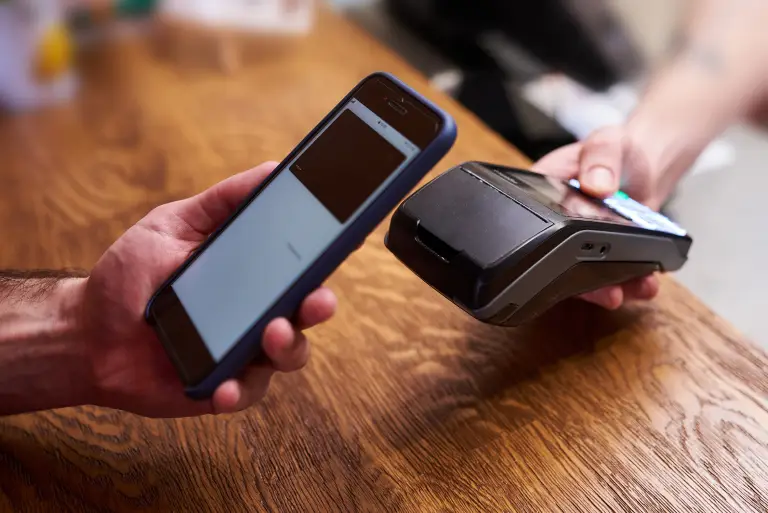
Simple Steps to Complete Your Payment Securely and Efficiently
Making a payment on our website is quick and secure. Start by logging in or creating an account. Select your preferred payment method, input the required details, and review the information. Once you confirm everything is correct, click on the "Submit Payment" button. You’ll receive instant confirmation and can track your payment status through your account dashboard. It’s an easy and secure process.
Go to the Payment Section: Access the payment area on our website or app.
Choose Your Payment Method: Select your preferred payment option.
Enter Payment Details: Provide the necessary payment information.
Verify Your Information: Check that all details are correct.
Confirm Your Payment: Click "Submit Payment" to complete the transaction.
In the digital age, privacy concerns have become increasingly paramount, prompting the European Union to enact the General Data Protection Regulation (GDPR) in 2018. Among its many provisions, GDPR sets strict guidelines for the collection and processing of personal data, including the use of cookies on websites. Privacy Policy