Proven Expertise
Our team brings years of experience in the digital payments industry to provide reliable services.
# Upgrade Guide

## General Notes

## Upgrading To 11.0 From 10.x

### Minimum PHP Version

PHP 8.0 is now the minimum required version.

### Minimum Laravel Version

Laravel 9.0 is now the minimum required version.

### Reverting Model DB Connection Customization

PR: https://github.com/laravel/passport/pull/1412

Customizing model database connections through the migration files has been reverted. This was first introduced in [this PR](https://github.com/laravel/passport/pull/1255).

If you need to customize the database connection for a model you should override the models [as explained in the documentation](https://laravel.com/docs/9.x/passport#overriding-default-models).

### Allow Timestamps On Token model

PR: https://github.com/laravel/passport/pull/1425

Timestamps are now allowed on the `Token` model. If you specifically didn't want these model's timestamps to be updated then you may override the `Token` model [as explained in the documentation](https://laravel.com/docs/9.x/passport#overriding-default-models).

### Refactor Routes To Dedicated File

PR: https://github.com/laravel/passport/pull/1464

Passport's routes have been moved to a dedicated route file. You can remove the `Passport::routes()` call from your application's service provider.

If you previously relied on overwriting routes using `routes($callback = null, array $options = [])` you may now achieve the same behavior by simply overwriting the routes in your application's own `web.php` route file.

### Stubbing Client In Tests

PR: https://github.com/laravel/passport/pull/1519

Previously, a stubbed client created via `Passport::actingAsClient(...)` wasn't retrieved when calling the `->client()` method on the API guard. This has been fixed in Passport v11 to reflect real-world situations and you may need to accommodate for this behavior in your tests.

### Scope Inheritance In Tests

PR: https://github.com/laravel/passport/pull/1551

Previously, scopes weren't inherited when using `Passport::actingAs(...)`. This has been fixed in Passport v11 to reflect real-world situations and you may need to accommodate for this behavior in your tests.

## Upgrading To 10.0 From 9.x

### Minimum PHP Version

PHP 7.3 is now the minimum required version.

### Minimum Laravel Version

Laravel 8.0 is now the minimum required version.

### Old Static Personal Client Methods Removed

PR: https://github.com/laravel/passport/pull/1325

The personal client configuration methods have been removed from the `Passport` class since they are no longer necessary. You should remove any calls to these methods from your application's service providers.

## Upgrading To 9.0 From 8.x

### Support For Multiple Guards

PR: https://github.com/laravel/passport/pull/1220

Passport now has support for multiple guard user providers. Because of this change, you must add a `provider` column to the `oauth_clients` database table:

    Schema::table('oauth_clients', function (Blueprint $table) {
        $table->string('provider')->after('secret')->nullable();
    });

If you have not previously published the Passport migrations, you should manually add the `provider` column to your database.

### Client Credentials Secret Hashing

PR: https://github.com/laravel/passport/pull/1145

Client secrets may now be stored using a Bcrypt hash. However, before enabling this functionality, please consider the following. First, there is no way to reverse the hashing process once you have migrated your existing tokens. Secondly, when hashing client secrets, you will only have one opportunity to display the plain-text value to the user before it is hashed and stored in the database.

#### Personal Access Clients

Before you continue, you should set your personal access client ID and unhashed secret in your `.env` file:

    PASSPORT_PERSONAL_ACCESS_CLIENT_ID=client-id-value
    PASSPORT_PERSONAL_ACCESS_CLIENT_SECRET=unhashed-client-secret-value

Next, you should register these values by placing the following calls within the `boot` method of your `AppServiceProvider`:

    Passport::personalAccessClientId(config('passport.personal_access_client.id'));
    Passport::personalAccessClientSecret(config('passport.personal_access_client.secret'));

> Make sure you follow the instructions above before hashing your secrets. Otherwise, irreversible data loss may occur.

#### Hashing Existing Secrets

You may enable client secret hashing by calling the `Passport::hashClientSecrets()` method within the `boot` method of your `AppServiceProvider`. For convenience, we've included a new Artisan command which you can run to hash all existing client secrets:

    php artisan passport:hash

**Again, please be aware that running this command cannot be undone. For extra precaution, you may wish to create a backup of your database before running the command.**

### Client Credentials Middleware Changes

PR: https://github.com/laravel/passport/pull/1132

[After a lengthy debate](https://github.com/laravel/passport/issues/1125), it was decided to revert the change made [in a previous PR](https://github.com/laravel/passport/pull/1040) that introduced an exception when the client credentials middleware was used to authenticate first party clients.

### Switch From `getKey` To `getAuthIdentifier`

PR: https://github.com/laravel/passport/pull/1134

Internally, Passport will now use the `getAuthIdentifier` method to determine a model's primary key. This is consistent with the framework and Laravel's first party libraries.

### Remove Deprecated Functionality

PR: https://github.com/laravel/passport/pull/1235

The deprecated `revokeOtherTokens` and `pruneRevokedTokens` methods and the `revokeOtherTokens` and `pruneRevokedTokens` properties were removed from the `Passport` object.


## Upgrading To 8.0 From 7.x

### Minimum & Upgraded Versions

Commit: https://github.com/laravel/passport/commit/97e3026790d953d7a67fe487e30775cd995e93df

The minimum Laravel version is now v6.0 and the minimum PHP version is now 7.2. The underlying `league/oauth2-server` has also been updated to v8.

### Public Clients

PR: https://github.com/laravel/passport/pull/1065

Passport now supports public clients and PCKE. To leverage this feature, you should update the the `secret` column of the `oauth_clients` table to be `nullable`:

    Schema::table('oauth_clients', function (Blueprint $table) {
        $table->string('secret', 100)->nullable()->change();
    });

### Renderable Exceptions For OAuth Errors

PR: https://github.com/laravel/passport/pull/1066

OAuth exceptions can now be rendered. They will first be converted to Passport exceptions. If you are explicitly handling `League\OAuth2\Server\Exception\OAuthServerException` in your exception handler's report method you will now need to check for an instance of `Laravel\Passport\Exceptions\OAuthServerException` instead.

### Fixed Credential Checking

PR: https://github.com/laravel/passport/pull/1040

In the previous versions of Passport, you could pass tokens granted by a different client type to the `CheckClientCredential` and `CheckClientCredentialForAnyScope` middleware. This behavior has been corrected and an exception will be thrown if you attempt to pass a token generated by a different client type.

How it Works

Getting started with NFC Pay is simple and quick. Register your account, add your cards, and you're ready to make payments in no time. Whether you're paying at a store, sending money to a friend, or managing your merchant transactions, NFC Pay makes it easy and secure.
Download the NFC Pay app and sign up with your email or phone number. Complete the registration process by verifying your identity, and set up your secure PIN to protect your account.
Link your debit or credit cards to your NFC Pay wallet. Simply scan your card or enter the details manually, and you’re set to load funds, shop, and pay with ease.
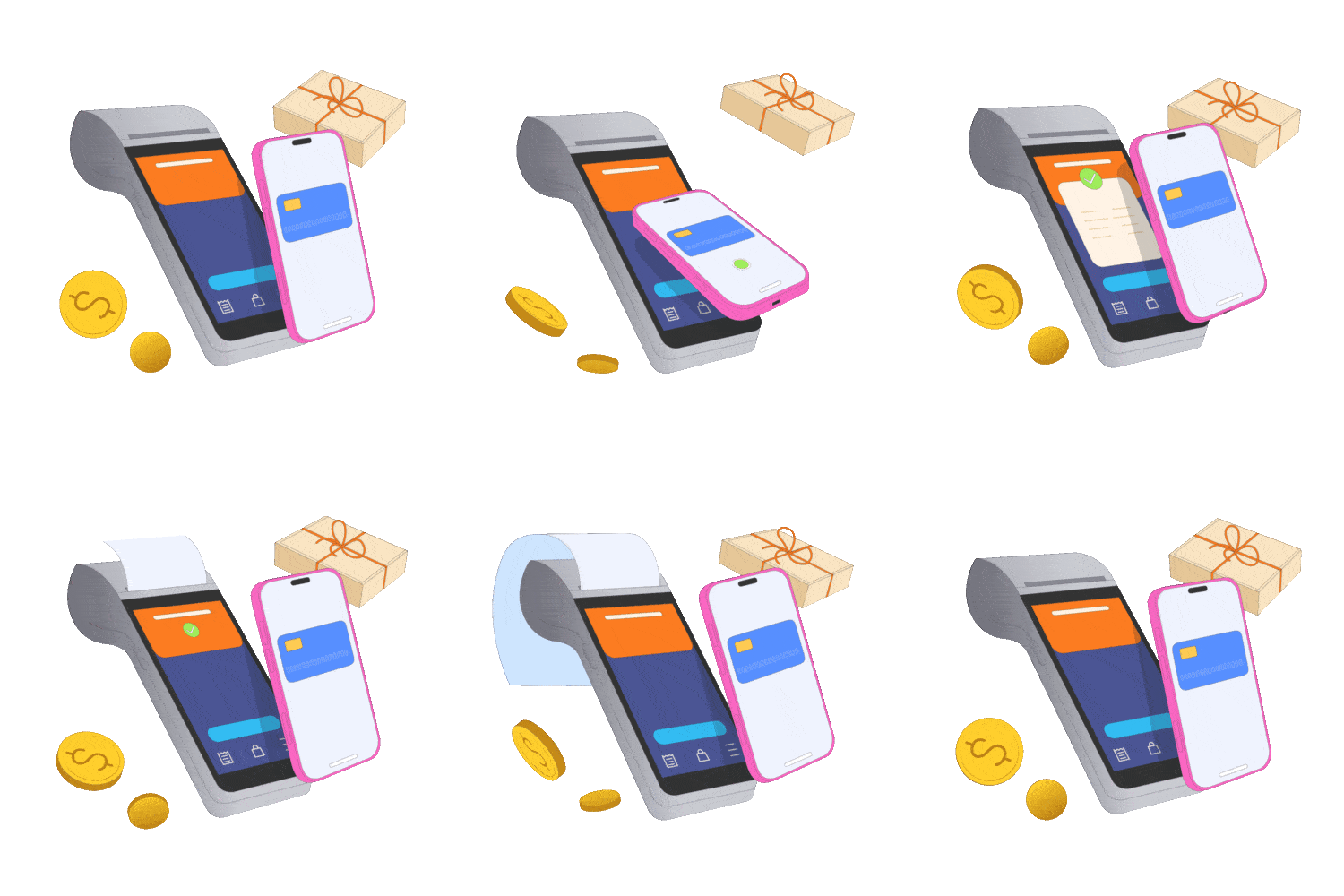
To pay, simply tap your phone or scan the QR code at checkout. You can also transfer money to other users with a few taps. Enjoy fast, contactless payments with top-notch security.
Security System
NFC Pay prioritizes your security with advanced features that safeguard every transaction. From SMS or email verification to end-to-end encryption, we've implemented robust measures to ensure your data is always protected. Our security systems are designed to prevent unauthorized access and provide you with a safe and reliable payment experience.

Receive instant alerts for every transaction to keep track of your account activities.

Verify your identity through our Know Your Customer process to prevent fraud and enhance security.

Dramatically supply transparent backward deliverables before caward comp internal or "organic" sources.

All your data and transactions are encrypted, ensuring that your sensitive information remains private.

Monitor unusual activity patterns to detect and prevent suspicious behavior in real-time.
Why Choice Us
With NFC Pay, you get a trusted platform backed by proven expertise and a commitment to quality. We put our customers first, offering innovative solutions tailored to your needs, ensuring every transaction is secure, swift, and seamless.
Our team brings years of experience in the digital payments industry to provide reliable services.
We prioritize excellence, ensuring that every aspect of our platform meets the highest standards.
Your needs drive our solutions, and we are dedicated to delivering a superior user experience.
We continuously evolve, integrating the latest technologies to enhance your payment experience.
Testimonial Section
Hear from our users who trust NFC Pay for their everyday transactions. Our commitment to security, ease of use, and exceptional service shines through in their experiences. See why our clients choose NFC Pay for their payment needs and how it has transformed the way they manage their finances.
"NFC Pay has made my transactions incredibly simple and secure. The intuitive interface and quick payment options are game-changers for my business"
"I love how NFC Pay prioritizes security without compromising on convenience. The two-factor authentication and instant alerts give me peace of mind every time I use it."
"Setting up my merchant account was a breeze, and now I can accept payments effortlessly. NFC Pay has truly streamlined my operations, saving me time and hassle."
App Section
Unlock the full potential of NFC Pay by downloading our app, designed to bring secure, swift, and smart transactions to your fingertips. Whether you're paying at a store, transferring money to friends, or managing your business payments, the NFC Pay app makes it effortless. Available on both iOS and Android, it's your all-in-one solution for convenient and reliable digital payments. Download now and experience the future of payments!