Proven Expertise
Our team brings years of experience in the digital payments industry to provide reliable services.
php-encryption ===============  [](https://codecov.io/gh/defuse/php-encryption) [](https://packagist.org/packages/defuse/php-encryption) [](https://packagist.org/packages/defuse/php-encryption) [](https://packagist.org/packages/defuse/php-encryption) ```terminal composer require defuse/php-encryption ``` This is a library for encrypting data with a key or password in PHP. **It requires PHP 5.6 or newer and OpenSSL 1.0.1 or newer.** We recommend using a version of PHP that [still has security support](https://www.php.net/supported-versions.php), which at the time of writing means PHP 8.0 or later. Using this library with an unsupported version of PHP could lead to security vulnerabilities. The current version of `php-encryption` is v2.4.0. This library is expected to remain stable and supported by its authors with security and bugfixes until at least January 1st, 2024. The library is a joint effort between [Taylor Hornby](https://defuse.ca/) and [Scott Arciszewski](https://paragonie.com/blog/author/scott-arcizewski) as well as numerous open-source contributors. What separates this library from other PHP encryption libraries is, firstly, that it is secure. The authors used to encounter insecure PHP encryption code on a daily basis, so they created this library to bring more security to the ecosystem. Secondly, this library is "difficult to misuse." Like [libsodium](https://github.com/jedisct1/libsodium), its API is designed to be easy to use in a secure way and hard to use in an insecure way. Dependencies ------------ This library requires no special dependencies except for PHP 5.6 or newer with the OpenSSL extensions (version 1.0.1 or later) enabled (this is the default). It uses [random\_compat](https://github.com/paragonie/random_compat), which is bundled in with this library so that your users will not need to follow any special installation steps. Getting Started ---------------- Start with the [**Tutorial**](docs/Tutorial.md). You can find instructions for obtaining this library's code securely in the [Installing and Verifying](docs/InstallingAndVerifying.md) documentation. After you've read the tutorial and got the code, refer to the formal documentation for each of the classes this library provides: - [Crypto](docs/classes/Crypto.md) - [File](docs/classes/File.md) - [Key](docs/classes/Key.md) - [KeyProtectedByPassword](docs/classes/KeyProtectedByPassword.md) If you encounter difficulties, see the [FAQ](docs/FAQ.md) answers. The fixes to the most commonly-reported problems are explained there. If you're a cryptographer and want to understand the nitty-gritty details of how this library works, look at the [Cryptography Details](docs/CryptoDetails.md) documentation. If you're interested in contributing to this library, see the [Internal Developer Documentation](docs/InternalDeveloperDocs.md). Other Language Support ---------------------- This library is intended for server-side PHP software that needs to encrypt data at rest. If you are building software that needs to encrypt client-side, or building a system that requires cross-platform encryption/decryption support, we strongly recommend using [libsodium](https://download.libsodium.org/doc/bindings_for_other_languages) instead. Examples --------- If the documentation is not enough for you to understand how to use this library, then you can look at an example project that uses this library: - [encutil](https://github.com/defuse/encutil) - [fileencrypt](https://github.com/tsusanka/fileencrypt) Security Audit Status --------------------- This code has not been subjected to a formal, paid, security audit. However, it has received lots of review from members of the PHP security community, and the authors are experienced with cryptography. In all likelihood, you are safer using this library than almost any other encryption library for PHP. If you use this library as a part of your business and would like to help fund a formal audit, please [contact Taylor Hornby](https://defuse.ca/contact.htm). Public Keys ------------ The GnuPG public key used to sign current and older releases is available in [dist/signingkey.asc](https://github.com/defuse/php-encryption/raw/master/dist/signingkey.asc). Its fingerprint is: ``` 2FA6 1D8D 99B9 2658 6BAC 3D53 385E E055 A129 1538 ``` You can verify it against Taylor Hornby's [contact page](https://defuse.ca/contact.htm) and [twitter](https://twitter.com/DefuseSec/status/723741424253059074). Due to the old key expiring, new releases will be signed with a new public key available in [dist/signingkey-new.asc](https://github.com/defuse/php-encryption/raw/master/dist/signingkey-new.asc). Its fingerprint is: ``` 6DD6 E677 0281 5846 FC85 25A3 DD2E 507F 7BDB 1669 ``` A signature of this new key by the old key is available in [dist/signingkey-new.asc.sig](https://github.com/defuse/php-encryption/raw/master/dist/signingkey-new.asc.sig).

How it Works

Getting started with NFC Pay is simple and quick. Register your account, add your cards, and you're ready to make payments in no time. Whether you're paying at a store, sending money to a friend, or managing your merchant transactions, NFC Pay makes it easy and secure.
Download the NFC Pay app and sign up with your email or phone number. Complete the registration process by verifying your identity, and set up your secure PIN to protect your account.
Link your debit or credit cards to your NFC Pay wallet. Simply scan your card or enter the details manually, and you’re set to load funds, shop, and pay with ease.
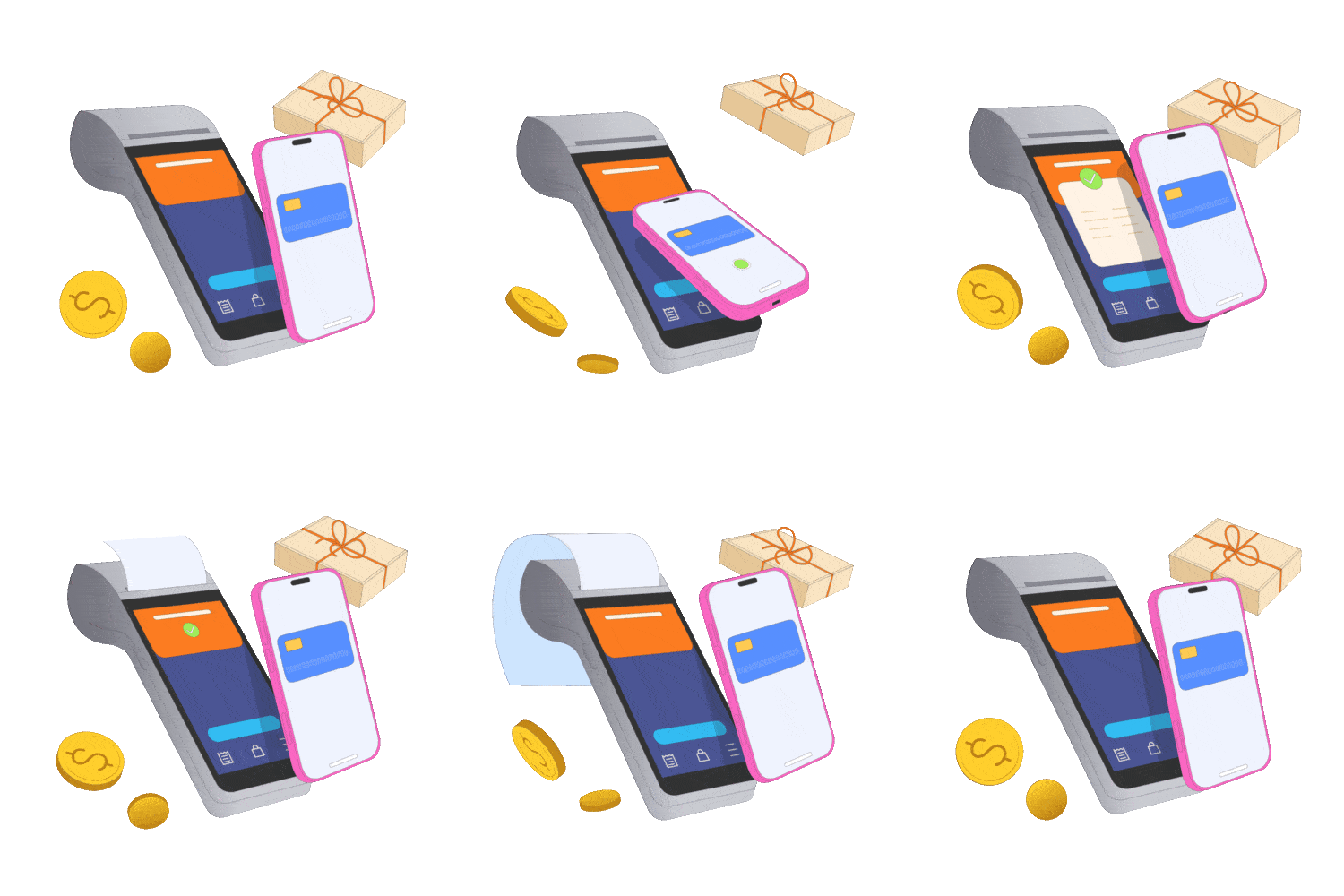
To pay, simply tap your phone or scan the QR code at checkout. You can also transfer money to other users with a few taps. Enjoy fast, contactless payments with top-notch security.
Security System
NFC Pay prioritizes your security with advanced features that safeguard every transaction. From SMS or email verification to end-to-end encryption, we've implemented robust measures to ensure your data is always protected. Our security systems are designed to prevent unauthorized access and provide you with a safe and reliable payment experience.

Receive instant alerts for every transaction to keep track of your account activities.
Verify your identity through our Know Your Customer process to prevent fraud and enhance security.

Dramatically supply transparent backward deliverables before caward comp internal or "organic" sources.

All your data and transactions are encrypted, ensuring that your sensitive information remains private.

Monitor unusual activity patterns to detect and prevent suspicious behavior in real-time.
Why Choice Us
With NFC Pay, you get a trusted platform backed by proven expertise and a commitment to quality. We put our customers first, offering innovative solutions tailored to your needs, ensuring every transaction is secure, swift, and seamless.
Our team brings years of experience in the digital payments industry to provide reliable services.
We prioritize excellence, ensuring that every aspect of our platform meets the highest standards.
Your needs drive our solutions, and we are dedicated to delivering a superior user experience.
We continuously evolve, integrating the latest technologies to enhance your payment experience.
Testimonial Section
Hear from our users who trust NFC Pay for their everyday transactions. Our commitment to security, ease of use, and exceptional service shines through in their experiences. See why our clients choose NFC Pay for their payment needs and how it has transformed the way they manage their finances.
"NFC Pay has made my transactions incredibly simple and secure. The intuitive interface and quick payment options are game-changers for my business"
"I love how NFC Pay prioritizes security without compromising on convenience. The two-factor authentication and instant alerts give me peace of mind every time I use it."
"Setting up my merchant account was a breeze, and now I can accept payments effortlessly. NFC Pay has truly streamlined my operations, saving me time and hassle."
App Section
Unlock the full potential of NFC Pay by downloading our app, designed to bring secure, swift, and smart transactions to your fingertips. Whether you're paying at a store, transferring money to friends, or managing your business payments, the NFC Pay app makes it effortless. Available on both iOS and Android, it's your all-in-one solution for convenient and reliable digital payments. Download now and experience the future of payments!