/home/kueuepay/public_html/resources/installer/src/config/installer.php
<?php 

$minimum_php_version = "8.0.13";

return [

    /*
    |--------------------------------------------------------------------------
    | Installment Requirements
    |--------------------------------------------------------------------------
    |
    |Installment requirements server/database. This is the default values for process installation. 
    |This variable contains installment related all require stuff details like server, database, 
    |server version, database engine, database version, server extensions etc.
    |
    */

    'requirements'      => [
        'php'   => [
            'min_version'    => $minimum_php_version,
            'extensions'    => [
                'openssl',
                'pdo',
                'mbstring',
                'tokenizer',
                'json',
                'gd',
                'curl',
                'zip',
                'zlib',
                'fileinfo',
                'exif',
            ],
        ],
        'apache'    => [
            'mod_rewrite',
        ]
    ],

    /*
    |--------------------------------------------------------------------------
    | Folders Permissions
    |--------------------------------------------------------------------------
    |
    | This is default folder permission for process installation.
    |
    */

    'permissions'   => [
        'storage/framework/'     => '775',
        'storage/logs/'          => '775',
        'bootstrap/cache/'       => '775',
    ],

    'marketplace'       => 'codecanyon',

];
Transfer Money
top

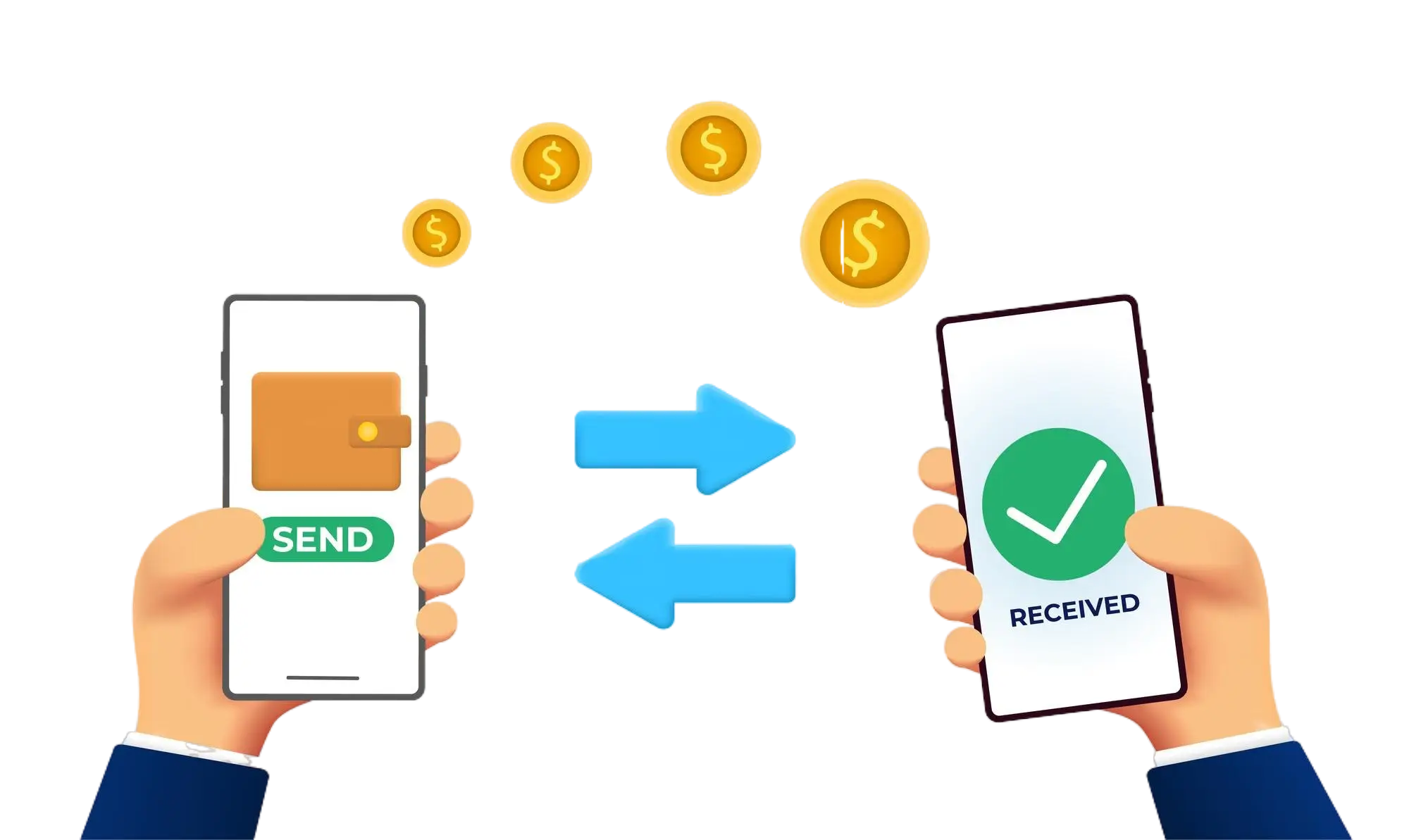
Effortless and Secure Money Transfers

Our transfer system provides a seamless and secure way to move your funds. Enjoy a straightforward process with top-notch security features, ensuring that sending money to friends, family, or businesses is both quick and worry-free. Experience smooth transactions with confidence, knowing that your security is our highest priority.

  • Access the Transfer Section: Open the transfer section on our website or app.
  • Choose a Recipient: Select the recipient from your contacts or manually enter their details.
  • Enter the Amount: Specify the amount you want to transfer.
  • Authorize the Transfer: Confirm the transaction using your PIN or biometric authentication.
  • Receive Confirmation: Get a confirmation message indicating that your transfer was successful.
img