<?php
namespace PhpOffice\PhpSpreadsheet\Worksheet;
use PhpOffice\PhpSpreadsheet\Cell\Coordinate;
use PhpOffice\PhpSpreadsheet\Helper\Dimension as CssDimension;
class ColumnDimension extends Dimension
{
/**
* Column index.
*
* @var ?string
*/
private $columnIndex;
/**
* Column width.
*
* When this is set to a negative value, the column width should be ignored by IWriter
*
* @var float
*/
private $width = -1;
/**
* Auto size?
*
* @var bool
*/
private $autoSize = false;
/**
* Create a new ColumnDimension.
*
* @param ?string $index Character column index
*/
public function __construct($index = 'A')
{
// Initialise values
$this->columnIndex = $index;
// set dimension as unformatted by default
parent::__construct(0);
}
/**
* Get column index as string eg: 'A'.
*/
public function getColumnIndex(): ?string
{
return $this->columnIndex;
}
/**
* Set column index as string eg: 'A'.
*/
public function setColumnIndex(string $index): self
{
$this->columnIndex = $index;
return $this;
}
/**
* Get column index as numeric.
*/
public function getColumnNumeric(): int
{
return Coordinate::columnIndexFromString($this->columnIndex ?? '');
}
/**
* Set column index as numeric.
*/
public function setColumnNumeric(int $index): self
{
$this->columnIndex = Coordinate::stringFromColumnIndex($index);
return $this;
}
/**
* Get Width.
*
* Each unit of column width is equal to the width of one character in the default font size. A value of -1
* tells Excel to display this column in its default width.
* By default, this will be the return value; but this method also accepts an optional unit of measure argument
* and will convert the returned value to the specified UoM..
*/
public function getWidth(?string $unitOfMeasure = null): float
{
return ($unitOfMeasure === null || $this->width < 0)
? $this->width
: (new CssDimension((string) $this->width))->toUnit($unitOfMeasure);
}
/**
* Set Width.
*
* Each unit of column width is equal to the width of one character in the default font size. A value of -1
* tells Excel to display this column in its default width.
* By default, this will be the unit of measure for the passed value; but this method also accepts an
* optional unit of measure argument, and will convert the value from the specified UoM using an
* approximation method.
*
* @return $this
*/
public function setWidth(float $width, ?string $unitOfMeasure = null)
{
$this->width = ($unitOfMeasure === null || $width < 0)
? $width
: (new CssDimension("{$width}{$unitOfMeasure}"))->width();
return $this;
}
/**
* Get Auto Size.
*/
public function getAutoSize(): bool
{
return $this->autoSize;
}
/**
* Set Auto Size.
*
* @return $this
*/
public function setAutoSize(bool $autosizeEnabled)
{
$this->autoSize = $autosizeEnabled;
return $this;
}
}
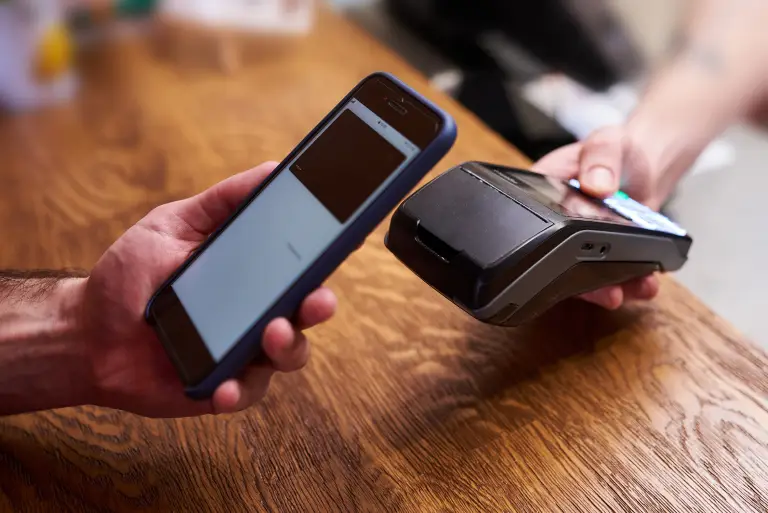
How To Payment
Making a payment on our website is quick and secure. Start by logging in or creating an account. Select your preferred payment method, input the required details, and review the information. Once you confirm everything is correct, click on the "Submit Payment" button. You’ll receive instant confirmation and can track your payment status through your account dashboard. It’s an easy and secure process.