
/home/kueuepay/www/vendor/phpoffice/phpspreadsheet/src/PhpSpreadsheet/Shared/OLE/PPS/File.php
<?php

namespace PhpOffice\PhpSpreadsheet\Shared\OLE\PPS;

// vim: set expandtab tabstop=4 shiftwidth=4:
// +----------------------------------------------------------------------+
// | PHP Version 4                                                        |
// +----------------------------------------------------------------------+
// | Copyright (c) 1997-2002 The PHP Group                                |
// +----------------------------------------------------------------------+
// | This source file is subject to version 2.02 of the PHP license,      |
// | that is bundled with this package in the file LICENSE, and is        |
// | available at through the world-wide-web at                           |
// | http://www.php.net/license/2_02.txt.                                 |
// | If you did not receive a copy of the PHP license and are unable to   |
// | obtain it through the world-wide-web, please send a note to          |
// | license@php.net so we can mail you a copy immediately.               |
// +----------------------------------------------------------------------+
// | Author: Xavier Noguer <xnoguer@php.net>                              |
// | Based on OLE::Storage_Lite by Kawai, Takanori                        |
// +----------------------------------------------------------------------+
//
use PhpOffice\PhpSpreadsheet\Shared\OLE;
use PhpOffice\PhpSpreadsheet\Shared\OLE\PPS;

/**
 * Class for creating File PPS's for OLE containers.
 *
 * @author   Xavier Noguer <xnoguer@php.net>
 */
class File extends PPS
{
    /**
     * The constructor.
     *
     * @param string $name The name of the file (in Unicode)
     *
     * @see OLE::ascToUcs()
     */
    public function __construct($name)
    {
        parent::__construct(null, $name, OLE::OLE_PPS_TYPE_FILE, null, null, null, null, null, '', []);
    }

    /**
     * Initialization method. Has to be called right after OLE_PPS_File().
     *
     * @return mixed true on success
     */
    public function init()
    {
        return true;
    }

    /**
     * Append data to PPS.
     *
     * @param string $data The data to append
     */
    public function append($data): void
    {
        $this->_data .= $data;
    }
}
Payment System
top

Simple Steps to Complete Your Payment Securely and Efficiently

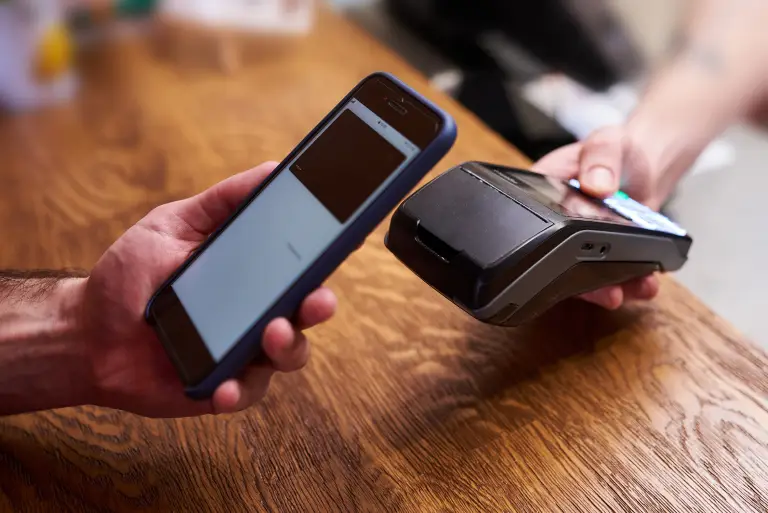
Making a payment on our website is quick and secure. Start by logging in or creating an account. Select your preferred payment method, input the required details, and review the information. Once you confirm everything is correct, click on the "Submit Payment" button. You’ll receive instant confirmation and can track your payment status through your account dashboard. It’s an easy and secure process.

  • Go to the Payment Section: Access the payment area on our website or app.
  • Choose Your Payment Method: Select your preferred payment option.
  • Enter Payment Details: Provide the necessary payment information.
  • Verify Your Information: Check that all details are correct.
  • Confirm Your Payment: Click "Submit Payment" to complete the transaction.
img