<?php
namespace PhpOffice\PhpSpreadsheet\Calculation\Web;
use PhpOffice\PhpSpreadsheet\Calculation\Information\ExcelError;
use PhpOffice\PhpSpreadsheet\Settings;
use Psr\Http\Client\ClientExceptionInterface;
class Service
{
/**
* WEBSERVICE.
*
* Returns data from a web service on the Internet or Intranet.
*
* Excel Function:
* Webservice(url)
*
* @return string the output resulting from a call to the webservice
*/
public static function webService(string $url)
{
$url = trim($url);
if (strlen($url) > 2048) {
return ExcelError::VALUE(); // Invalid URL length
}
if (!preg_match('/^http[s]?:\/\//', $url)) {
return ExcelError::VALUE(); // Invalid protocol
}
// Get results from the the webservice
$client = Settings::getHttpClient();
$requestFactory = Settings::getRequestFactory();
$request = $requestFactory->createRequest('GET', $url);
try {
$response = $client->sendRequest($request);
} catch (ClientExceptionInterface $e) {
return ExcelError::VALUE(); // cURL error
}
if ($response->getStatusCode() != 200) {
return ExcelError::VALUE(); // cURL error
}
$output = $response->getBody()->getContents();
if (strlen($output) > 32767) {
return ExcelError::VALUE(); // Output not a string or too long
}
return $output;
}
/**
* URLENCODE.
*
* Returns data from a web service on the Internet or Intranet.
*
* Excel Function:
* urlEncode(text)
*
* @param mixed $text
*
* @return string the url encoded output
*/
public static function urlEncode($text)
{
if (!is_string($text)) {
return ExcelError::VALUE();
}
return str_replace('+', '%20', urlencode($text));
}
}
How To Payment
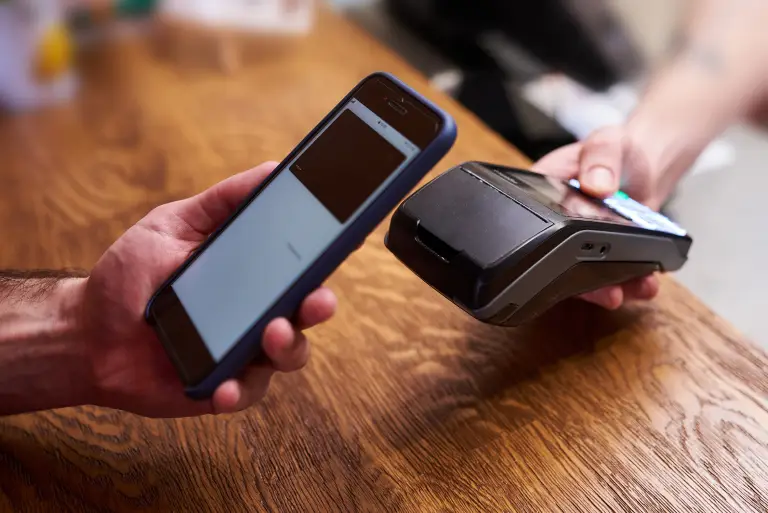
Making a payment on our website is quick and secure. Start by logging in or creating an account. Select your preferred payment method, input the required details, and review the information. Once you confirm everything is correct, click on the "Submit Payment" button. You’ll receive instant confirmation and can track your payment status through your account dashboard. It’s an easy and secure process.