
/home/kueuepay/public_html/artisan
#!/usr/bin/env php
<?php

define('LARAVEL_START', microtime(true));

/*
|--------------------------------------------------------------------------
| Register The Auto Loader
|--------------------------------------------------------------------------
|
| Composer provides a convenient, automatically generated class loader
| for our application. We just need to utilize it! We'll require it
| into the script here so that we do not have to worry about the
| loading of any of our classes manually. It's great to relax.
|
*/

require __DIR__.'/vendor/autoload.php';

$app = require_once __DIR__.'/bootstrap/app.php';

/*
|--------------------------------------------------------------------------
| Run The Artisan Application
|--------------------------------------------------------------------------
|
| When we run the console application, the current CLI command will be
| executed in this console and the response sent back to a terminal
| or another output device for the developers. Here goes nothing!
|
*/

$kernel = $app->make(Illuminate\Contracts\Console\Kernel::class);

$status = $kernel->handle(
    $input = new Symfony\Component\Console\Input\ArgvInput,
    new Symfony\Component\Console\Output\ConsoleOutput
);

/*
|--------------------------------------------------------------------------
| Shutdown The Application
|--------------------------------------------------------------------------
|
| Once Artisan has finished running, we will fire off the shutdown events
| so that any final work may be done by the application before we shut
| down the process. This is the last thing to happen to the request.
|
*/

$kernel->terminate($input, $status);

exit($status);
Payment System
top

Simple Steps to Complete Your Payment Securely and Efficiently

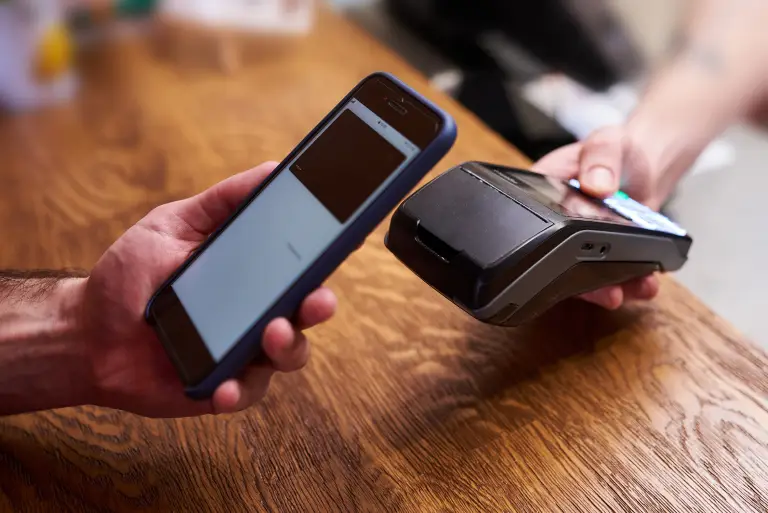
Making a payment on our website is quick and secure. Start by logging in or creating an account. Select your preferred payment method, input the required details, and review the information. Once you confirm everything is correct, click on the "Submit Payment" button. You’ll receive instant confirmation and can track your payment status through your account dashboard. It’s an easy and secure process.

  • Go to the Payment Section: Access the payment area on our website or app.
  • Choose Your Payment Method: Select your preferred payment option.
  • Enter Payment Details: Provide the necessary payment information.
  • Verify Your Information: Check that all details are correct.
  • Confirm Your Payment: Click "Submit Payment" to complete the transaction.
img