
/home/kueuepay/public_html/vendor/symfony/translation/README.md
Translation Component
=====================

The Translation component provides tools to internationalize your application.

Getting Started
---------------

```
$ composer require symfony/translation
```

```php
use Symfony\Component\Translation\Translator;
use Symfony\Component\Translation\Loader\ArrayLoader;

$translator = new Translator('fr_FR');
$translator->addLoader('array', new ArrayLoader());
$translator->addResource('array', [
    'Hello World!' => 'Bonjour !',
], 'fr_FR');

echo $translator->trans('Hello World!'); // outputs « Bonjour ! »
```

Sponsor
-------

The Translation component for Symfony 5.4/6.0 is [backed][1] by:

 * [Crowdin][2], a cloud-based localization management software helping teams to go global and stay agile.
 * [Lokalise][3], a continuous localization and translation management platform that integrates into your development workflow so you can ship localized products, faster.

Help Symfony by [sponsoring][4] its development!

Resources
---------

 * [Documentation](https://symfony.com/doc/current/translation.html)
 * [Contributing](https://symfony.com/doc/current/contributing/index.html)
 * [Report issues](https://github.com/symfony/symfony/issues) and
   [send Pull Requests](https://github.com/symfony/symfony/pulls)
   in the [main Symfony repository](https://github.com/symfony/symfony)

[1]: https://symfony.com/backers
[2]: https://crowdin.com
[3]: https://lokalise.com
[4]: https://symfony.com/sponsor
Payment System
top

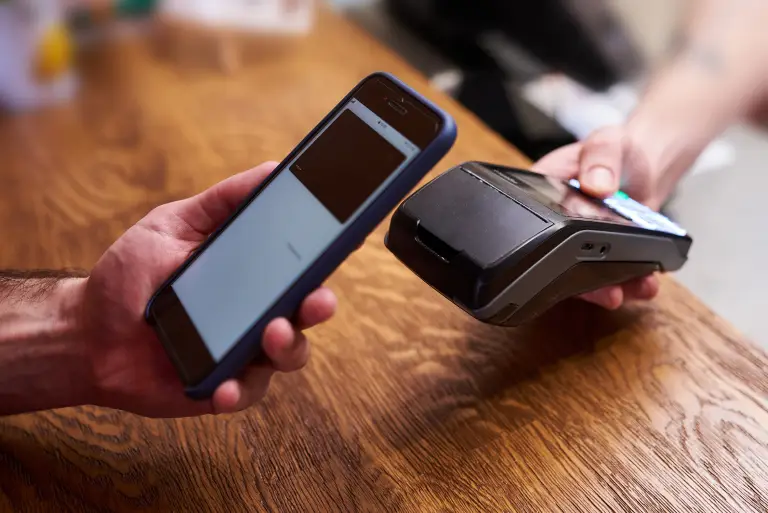
Simple Steps to Complete Your Payment Securely and Efficiently

Making a payment on our website is quick and secure. Start by logging in or creating an account. Select your preferred payment method, input the required details, and review the information. Once you confirm everything is correct, click on the "Submit Payment" button. You’ll receive instant confirmation and can track your payment status through your account dashboard. It’s an easy and secure process.

  • Go to the Payment Section: Access the payment area on our website or app.
  • Choose Your Payment Method: Select your preferred payment option.
  • Enter Payment Details: Provide the necessary payment information.
  • Verify Your Information: Check that all details are correct.
  • Confirm Your Payment: Click "Submit Payment" to complete the transaction.
img